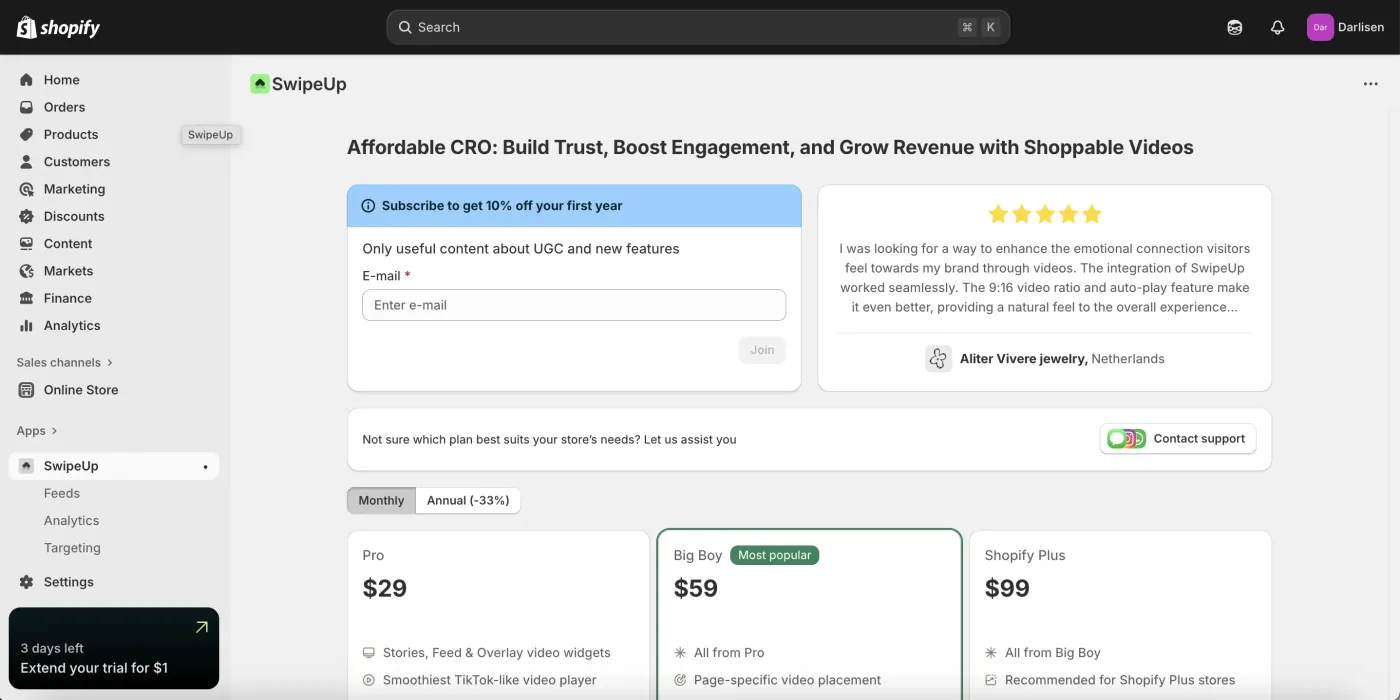
Shopify: SwipeUp Installation
How to Install SwipeUp on Shopify
Follow these steps to install the SwipeUp app on your Shopify store.
Step 1: Search for SwipeUp in the Shopify App Store
Open the Shopify App Store and search for SwipeUp. Locate the SwipeUp app in the search results and click on it to open the listing page.
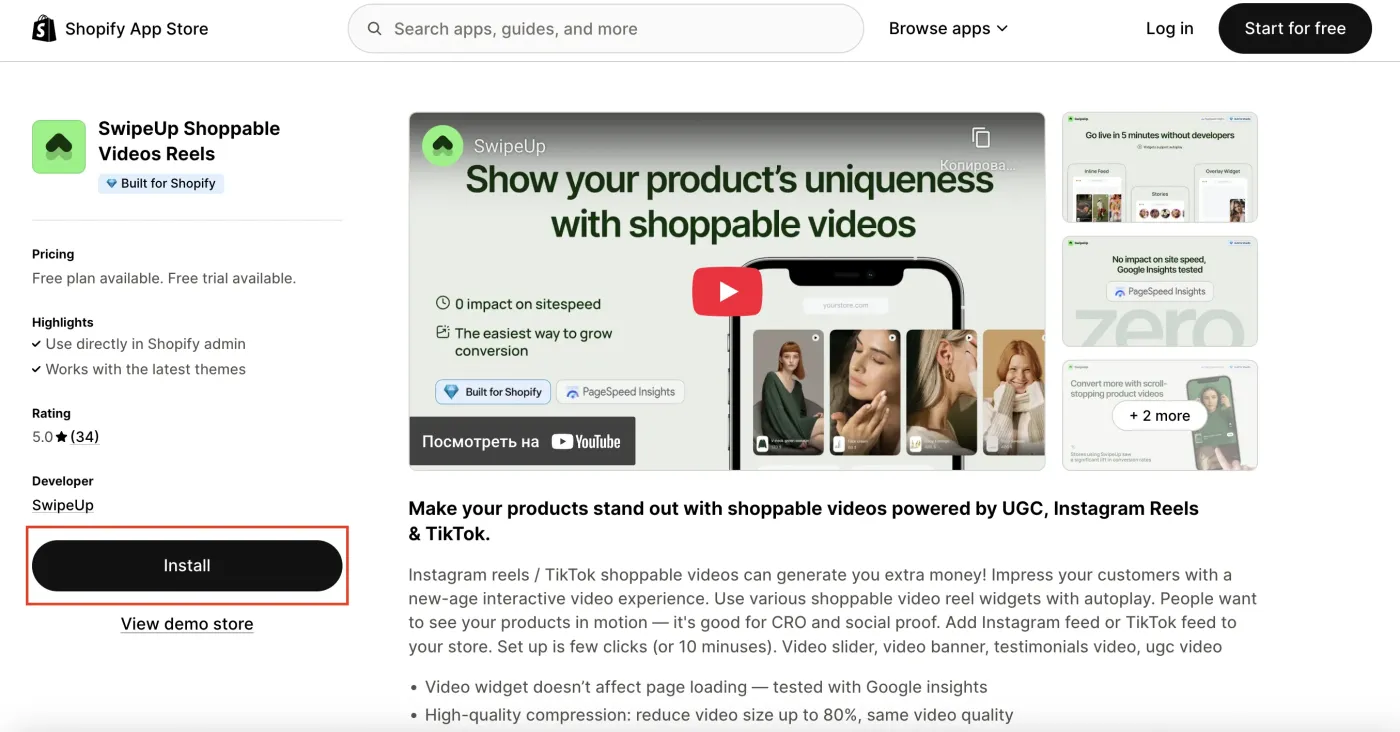
Step 2: Install the App
Click the Install button on the SwipeUp app listing page. You will be prompted to confirm the installation and grant the necessary permissions. Click Install app to proceed.
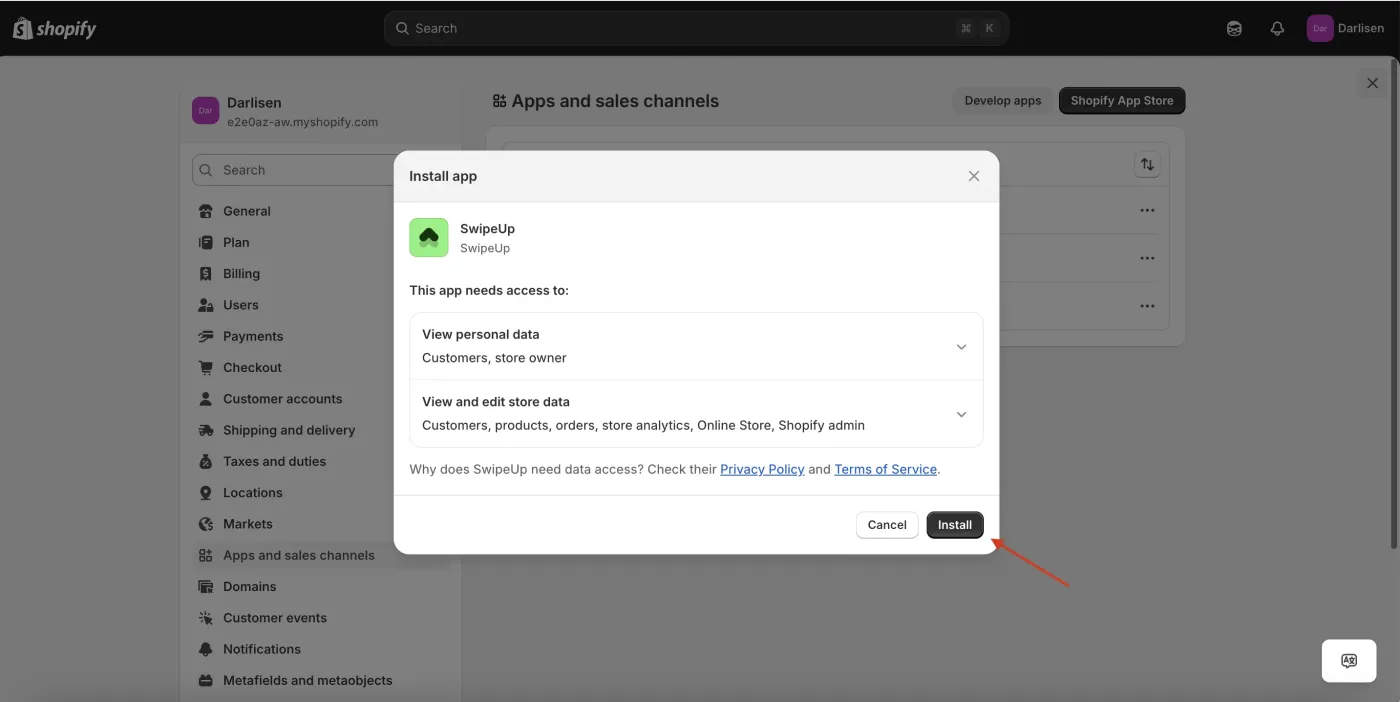
Step 3: Access the SwipeUp Dashboard
Once installed, SwipeUp will appear in your Shopify admin under Apps. Click on SwipeUp to open the dashboard, where you can create feeds, upload videos, and manage your shoppable video content.