
How to Reorder Videos and Tagged Products
Reordering Videos and Products in a Feed
You can change the display order of videos and tagged products within a feed using drag-and-drop. The order you set determines how content appears to customers on your store.
Step 1: Open Your Feed
Open the SwipeUp app and select the feed you want to reorder.
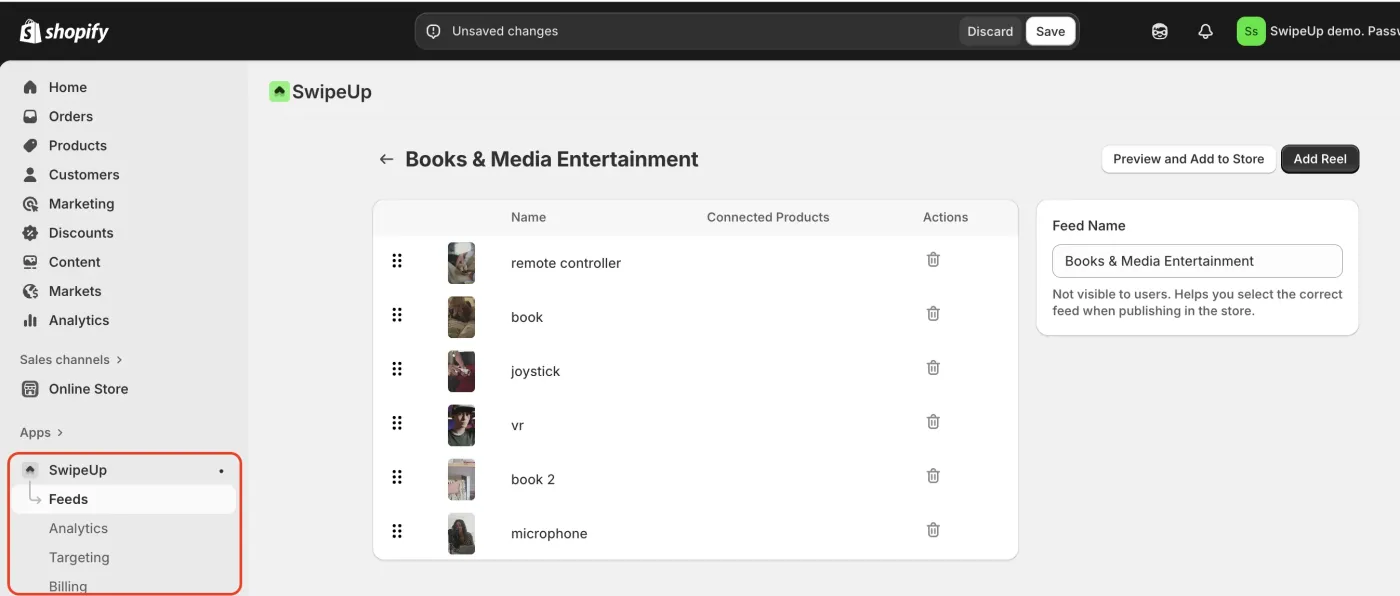
Step 2: Drag and Reorder
Use the drag handle on each reel or product to reorder items. Click and hold the handle, then drag the item to its new position in the list.
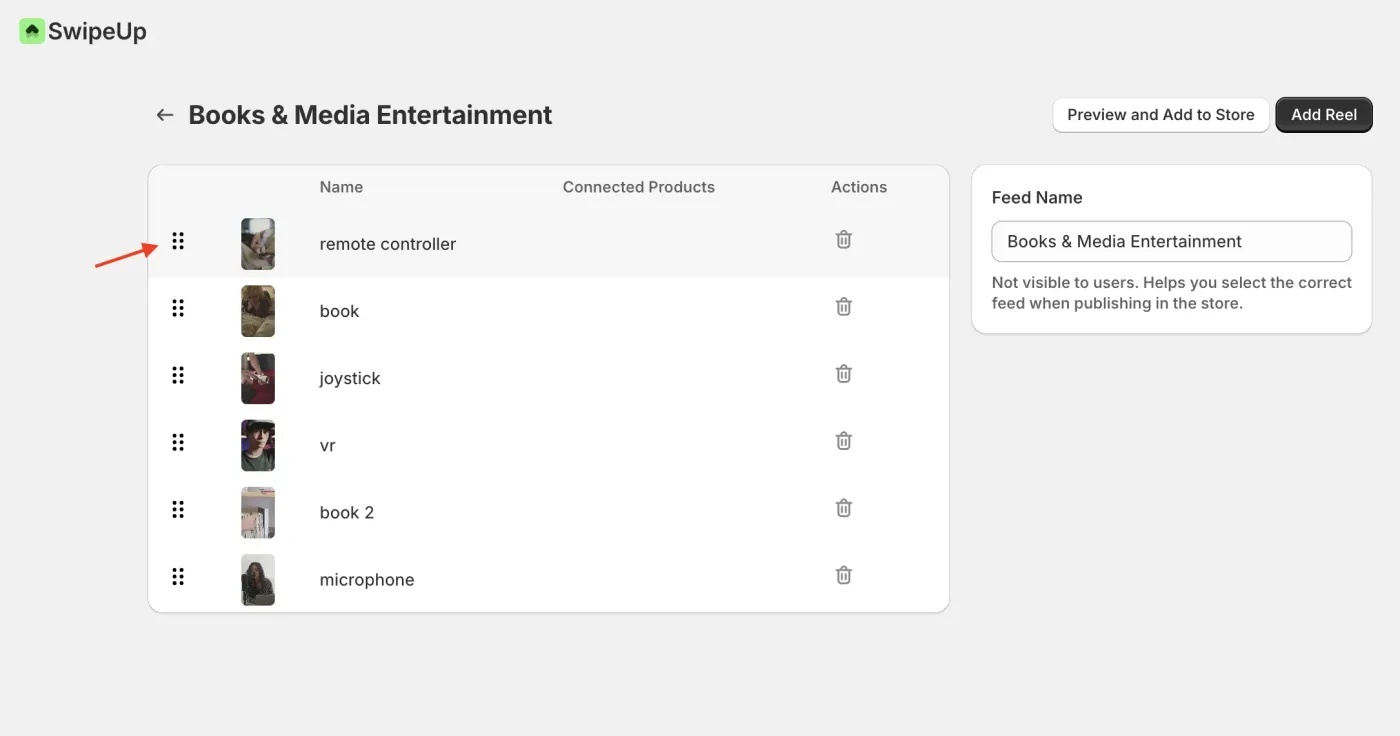
Step 3: Changes Save Automatically
The new order saves automatically as you reorder items. There is no need to click a separate save button. The updated order will be reflected on your store immediately.